About ImageVert
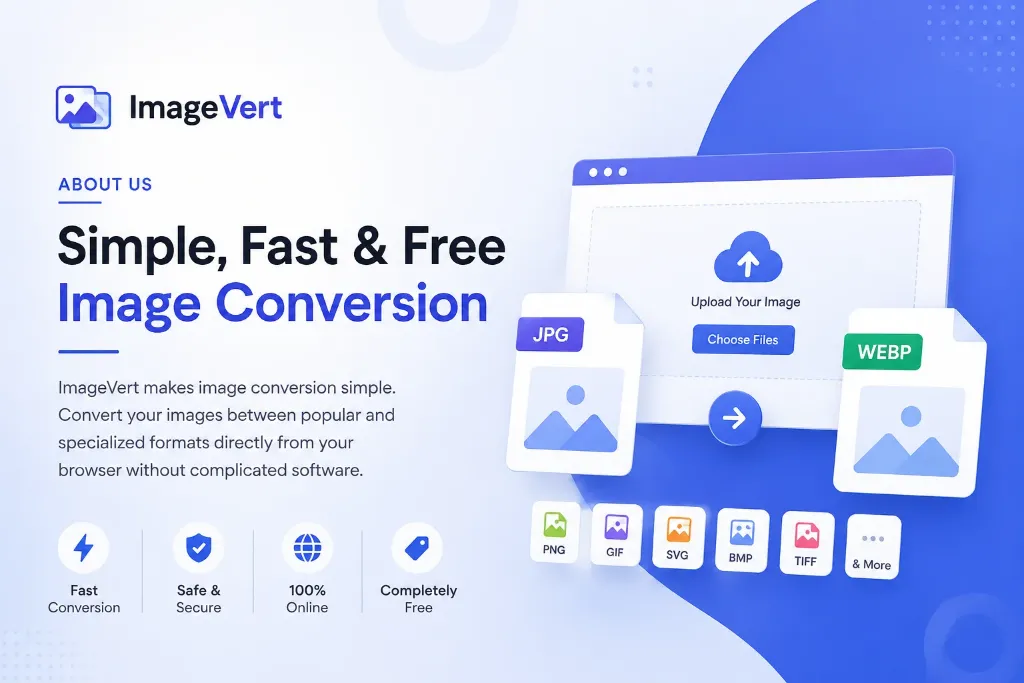
ImageVert is a free online image conversion platform designed to make image format conversion simple, fast, and accessible for everyone. Whether you are a designer, developer, photographer, blogger, student, website owner, or everyday user, ImageVert provides easy-to-use tools for converting images between different formats directly from your web browser.
Our goal is to remove the complexity from image conversion. You don't need complicated image-editing software or technical knowledge. Simply upload your image, select the required output format, and convert it online.
What Is ImageVert?
ImageVert is an online platform focused on image format conversion and image-related tools. It supports a wide range of popular and specialized image formats, allowing users to convert images according to their specific requirements.
From commonly used formats such as JPG, JPEG, PNG, and WebP to specialized formats such as BMP, TIFF, GIF, SVG, PSD, DDS, TGA, ICO, HEIC, HEIF, and more, ImageVert aims to provide convenient conversion solutions in one place.
Our Mission
Our mission is simple: make image conversion easy for everyone.
We believe that converting an image from one format to another should not require expensive software, complicated settings, or technical expertise.
ImageVert is built around three key principles:
- Simple: Easy-to-understand conversion tools.
- Fast: A straightforward process with minimal steps.
- Accessible: Online tools that can be accessed directly from a web browser.
Image Conversion Made Simple
Different projects often require different image formats. A website may need WebP, a graphic-design project may require SVG or PSD, a game-development workflow may use DDS or TGA, while printing and professional imaging workflows may require TIFF.
ImageVert helps users convert supported images into the format they need without having to search for a separate tool for every format.
Popular Image Converters
Some of the image conversion tools available on ImageVert include:
- JPG to WebP Converter
- PNG to JPEG Converter
- Image to PNG Converter
- Image to PDF Converter
- JPG to SVG Converter
- JPG to TIFF Converter
- Image to BMP Converter
- Image to GIF Converter
- Image to ICO Converter
- Image to HEIC Converter
- JPG to PSD Converter
- Image to DDS Converter
- Image to TGA Converter
- JPG to WBMP Converter
- And many other image conversion tools
Who Can Use ImageVert?
ImageVert is designed for a wide range of users.
Designers
Designers can convert images into formats required for graphic design, digital artwork, websites, and other creative projects.
Developers
Developers can use image conversion tools when preparing graphics and assets for websites, applications, games, and software projects.
Website Owners and Bloggers
Website owners and bloggers can convert and optimize images for different web and content-management requirements.
Photographers
Photographers can use image conversion tools when they need to work with different image formats for editing, publishing, printing, or digital projects.
Students
Students can use ImageVert for assignments, presentations, projects, and other situations where image format conversion is required.
Everyday Users
You don't need to be a professional designer or developer to use ImageVert. The tools are designed to be straightforward for anyone who needs to convert an image.
Why Choose ImageVert?
Free to Use
ImageVert provides free online image conversion tools so users can convert supported images without purchasing expensive conversion software.
Browser-Based
You can access ImageVert directly from your web browser. There is no need to install a dedicated desktop application simply to convert an image.
Simple Interface
We focus on keeping the conversion process easy to understand, so users can upload their files, select a format, and complete the conversion with minimal effort.
Multiple File Support
Where supported by a particular converter, ImageVert can convert multiple image files, making it easier to process several images for a project.
Wide Range of Formats
ImageVert is built to support conversions involving both popular and specialized image formats.
Our Approach to Privacy
We understand that images can contain personal, professional, or sensitive information. ImageVert is designed with the goal of providing a straightforward conversion experience while keeping the handling of user files as secure and transparent as possible.
Before uploading files containing sensitive or confidential information, users should always review the relevant Privacy Policy and the specific information provided by the conversion tool.
Built for Simple Online Conversion
ImageVert is continuously focused on making image conversion more convenient.
Instead of downloading large software packages or learning complicated image-editing applications for a simple format change, users can access the required conversion tool online and complete the task through a straightforward workflow.
Our Vision
Our vision is to become a simple and reliable destination for online image conversion tools.
We want ImageVert to be a useful resource whenever someone searches for a way to convert an image from one format to another.
Whether you need to convert a JPG to WebP for a website, PNG to JPEG for sharing, JPG to SVG for a design project, or an image to a specialized format, ImageVert aims to provide a convenient online solution.
Frequently Asked Questions
Is ImageVert free?
Yes. ImageVert provides free online image conversion tools for supported formats. Any applicable file-size or usage limitations are displayed by the individual converter.
Do I need to install software to use ImageVert?
No. ImageVert is designed to work through your web browser, so you can use the available conversion tools without installing dedicated image-conversion software.
Can I convert multiple images?
Yes. ImageVert supports multiple-file conversion on supported converter pages. The number of files that can be processed may depend on the specific tool and its applicable limits.
What image formats does ImageVert support?
ImageVert provides converters for a wide range of formats, including JPG, JPEG, PNG, WebP, GIF, BMP, TIFF, SVG, PSD, DDS, TGA, ICO, HEIC, HEIF, WBMP and other supported formats.
Can I use ImageVert on mobile?
Yes. ImageVert is designed as a web-based platform, so you can access its image conversion tools through a compatible mobile browser as well as on desktop devices.
Who is ImageVert for?
ImageVert is designed for designers, developers, photographers, bloggers, website owners, students, businesses, and everyday users who need convenient image conversion tools.
Contact Us
Have a question, suggestion, or issue with an ImageVert converter?
We welcome feedback that can help us improve the platform and make our image conversion tools more useful and easier to use.
For support or general inquiries, please visit our Contact Us page.
Conclusion
ImageVert is a free online platform focused on making image conversion simple, convenient, and accessible.
With a growing collection of image converters and support for a wide range of formats, ImageVert helps users convert images for websites, graphic design, photography, development, printing, gaming, and everyday digital projects.
Our goal is to provide straightforward tools that allow you to convert your images online without unnecessary complexity.
ImageVert — Simple Image Conversion, Online.